找回密码
 注册
搜索
查看: 33819|回复: 19

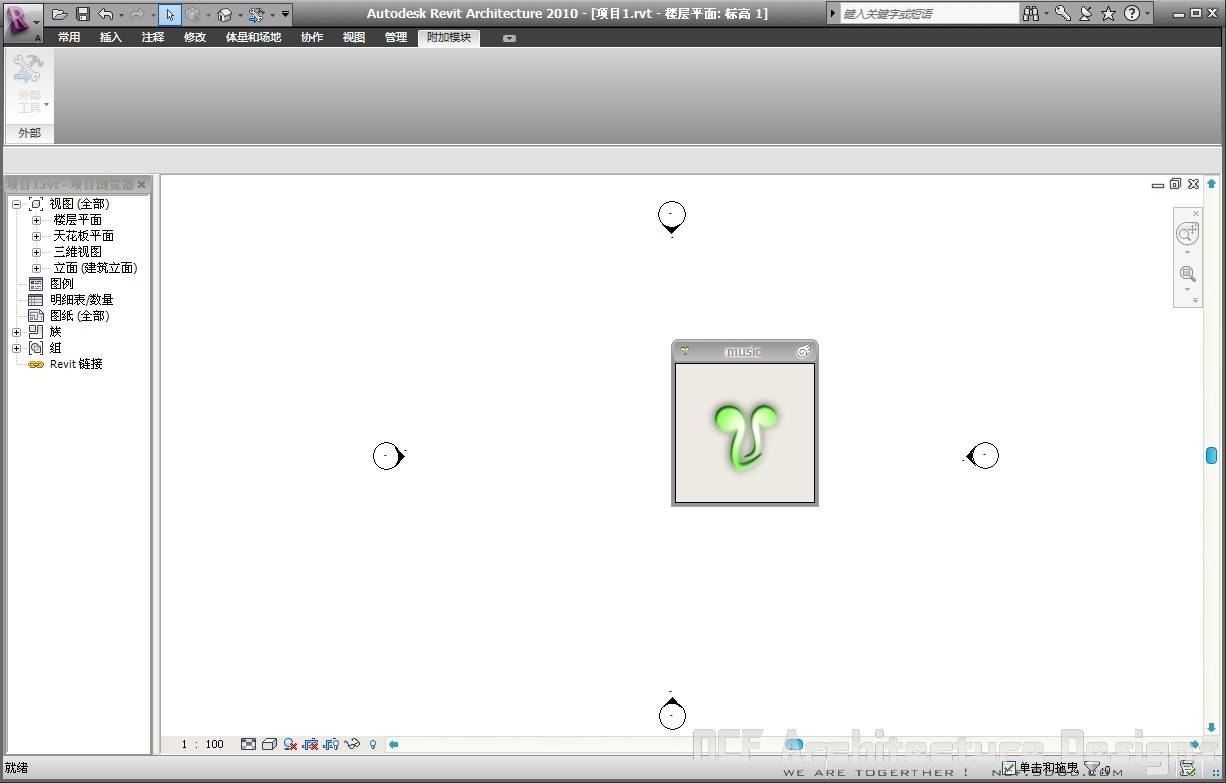
[个人作品] 原创的revit小插件

[复制链接]
发表于 2010-9-21 20:08:53 | 显示全部楼层 |阅读模式
本帖最后由 panhao1 于 2010-9-21 20:52 编辑

Aquaria风格 可能是最近发现这个游戏比较好吧
所以就用这种风格了

dll 不能上传 直接联系我qq传吧 查看我的信息(点头像)可以看到qq号

revit加载插件有几种方式
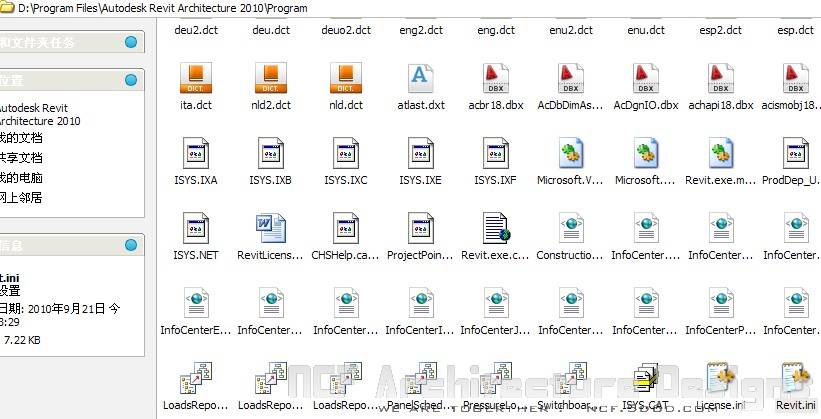
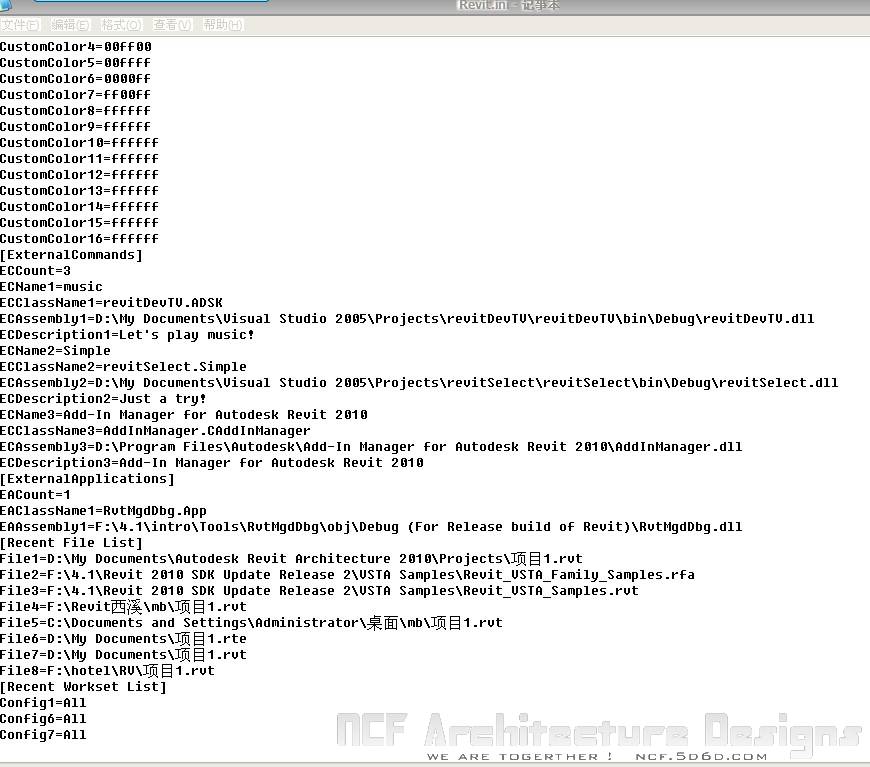
有一种是改注册表revit.ini
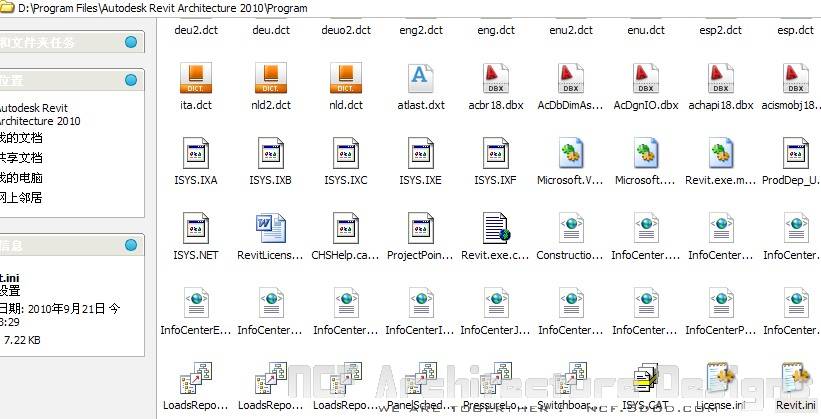
在revit安装地址搜索revit就能收到
具体改法见楼下
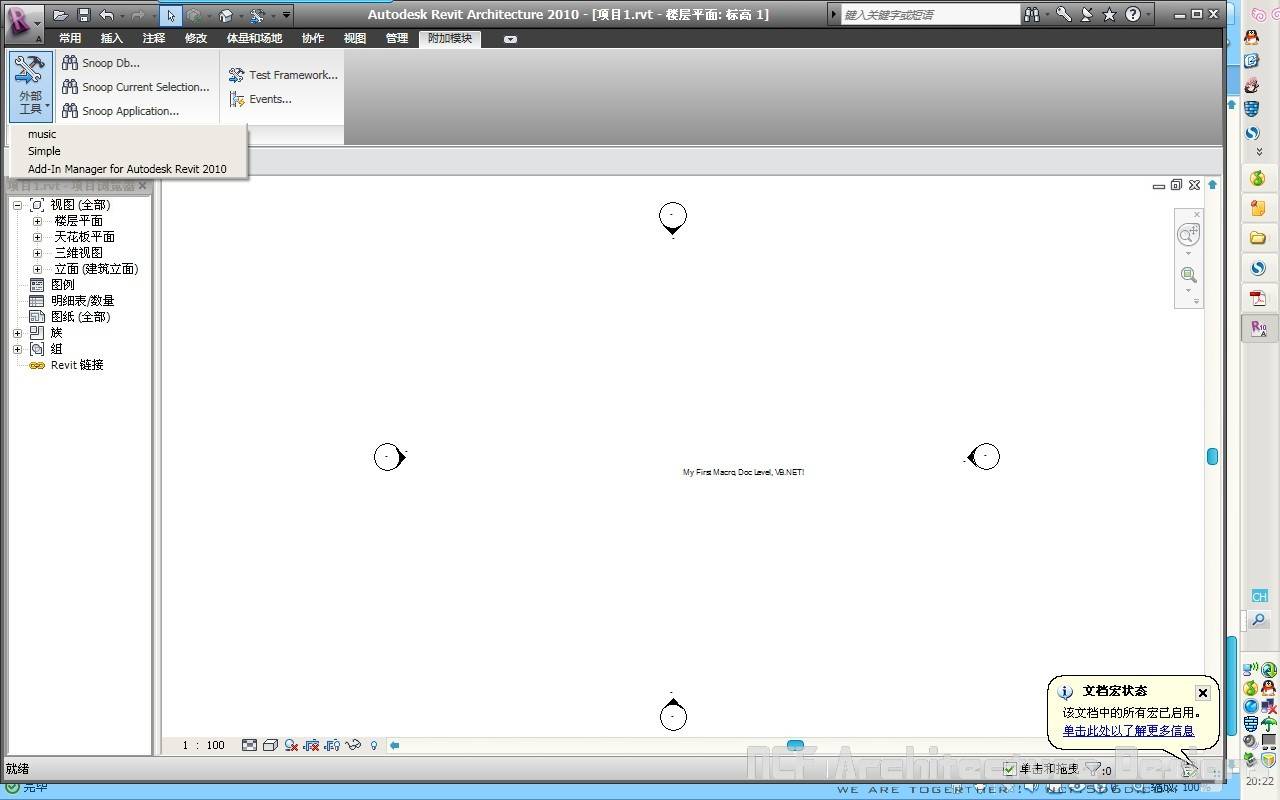
RevitMusic.jpg

评分

参与人数 1强度 +5 照度 +50 收起 理由
skywoolf + 5 + 50

查看全部评分

 楼主| 发表于 2010-9-21 20:18:13 | 显示全部楼层
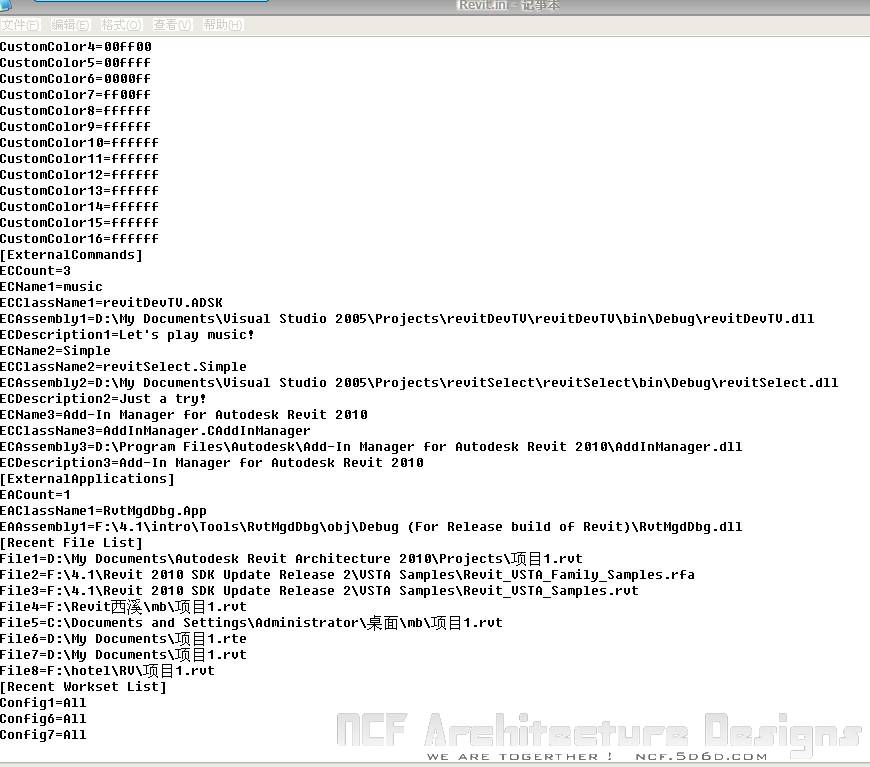
[ExternalApplications] EACount=1 EAClassName1=EA1.Class1 EAAssembly1=D:\EA1\bin\Debug\EA1.dll


1.jpg

在右下角那个文件
在注册表中添加以上内容如果以前加过插件可以看到这些东西


2.jpg
回复

使用道具 举报

 楼主| 发表于 2010-9-21 20:20:03 | 显示全部楼层
[ExternalApplications] EACount=1 EAClassName1=EA1.Class1 EAAssembly1=D:\EA1\bin\Debug\EA1.dll


1.jpg

在右下角那个文件
在注册表中添加以上内容如果以前加过插件可以看到这些东西


2.jpg
回复

使用道具 举报

 楼主| 发表于 2010-9-21 20:21:45 | 显示全部楼层
如果是第一次安装插件 只要在revit。ini(记事本编辑)文件后面加上

[ExternalApplications]
EACount=1
EAClassName1=EA1.Class1
EAAssembly1=D:\EA1\bin\Debug\EA1.dll


这是上面几行的解释

• EACount - Set the EACount property to the total number of external applications available.
• EAClassName# - The EAClassName property is used to provide the application object name
that supports the IExternalApplication interface described earlier in this chapter.
• For .NET objects it is the full class name (with the namespace), such as
MyNamespace.MyClass.
• The # identifies the application number such as EAClassName1.
• EAAssembly - The EAAssembly property is used for .NET based objects only.
• This property identifies the Assembly path containing the .NET application object.
• The path can be relative to the Revit installation directory or fully qualified.
• The # identifies the application number such as EAAssembly1. The application number must
match the application number used for the EAClassName property.
• In the previous example, the Assembly has the fully qualified path
D:\EA1\bin\Debug\EA1.dll.
回复

使用道具 举报

 楼主| 发表于 2010-9-21 20:24:38 | 显示全部楼层
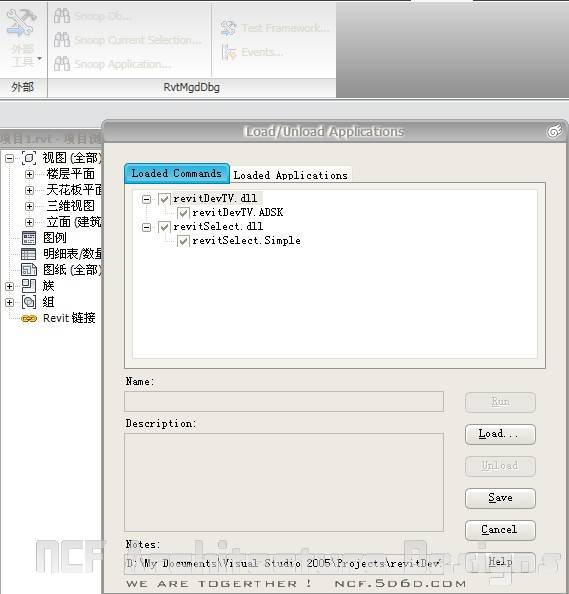
嘛 其实可以安装一下外接工具的管理器
官网有下载 google一下你就知道 注意要用e文搜索哦
3.jpg
4.jpg
回复

使用道具 举报

 楼主| 发表于 2010-9-21 20:53:36 | 显示全部楼层
插件是放音乐的 1 2键切换
不喜勿下
回复

使用道具 举报

发表于 2010-9-21 21:31:14 | 显示全部楼层
{:3_51:}又见新玩意,呵呵,祝北京之旅一切顺利~
回复

使用道具 举报

发表于 2010-9-21 22:00:05 | 显示全部楼层
编程超人啊。。。干堆了一切软件
回复

使用道具 举报

发表于 2010-9-22 13:17:50 | 显示全部楼层
panhao牛人。。。太强了
回复

使用道具 举报

头像被屏蔽
发表于 2010-9-22 22:58:27 | 显示全部楼层
1# panhao1


一切顺利哦~
回复

使用道具 举报

发表于 2010-9-25 21:11:39 | 显示全部楼层
看得我{:3_62:},仿佛来到了软件开发论坛。厉害啊。
回复

使用道具 举报

发表于 2010-9-28 17:10:26 | 显示全部楼层
小东西很可爱啊,不从
回复

使用道具 举报

发表于 2010-10-7 15:32:02 | 显示全部楼层
点头像没又看到QQ号
回复

使用道具 举报

发表于 2010-11-30 00:21:42 | 显示全部楼层
这个干啥用的,就是放音乐啊
回复

使用道具 举报

发表于 2011-4-8 15:18:58 | 显示全部楼层
回复

使用道具 举报

发表于 2011-8-19 13:41:49 | 显示全部楼层
大家好我是新来的请大家多关照啊
回复

使用道具 举报

发表于 2011-8-20 12:11:26 | 显示全部楼层
看到磨拳擦掌了
回复

使用道具 举报

发表于 2012-4-12 19:41:13 | 显示全部楼层
学习学习!!!!!!!!!1
回复

使用道具 举报

发表于 2012-4-14 03:06:39 | 显示全部楼层
{:3_64:}好强大啊!
回复

使用道具 举报

发表于 2012-4-23 18:05:34 | 显示全部楼层
好强大啊!
回复

使用道具 举报

NCFZ微信公众号

手机版|小黑屋|NCF参数化建筑论坛 ( 浙ICP备2020044100号-2 ) 辽公网安备21021102000973号

GMT+8, 2026-11-23 19:04 , Processed in 0.056533 second(s), 29 queries , Gzip On.

Powered by Discuz! X5.0 Licensed

© 2001-2026 Discuz! Team.

快速回复 返回顶部 返回列表