|
|
本帖最后由 tomee 于 2009-9-29 02:06 编辑
What is VisualARQ?
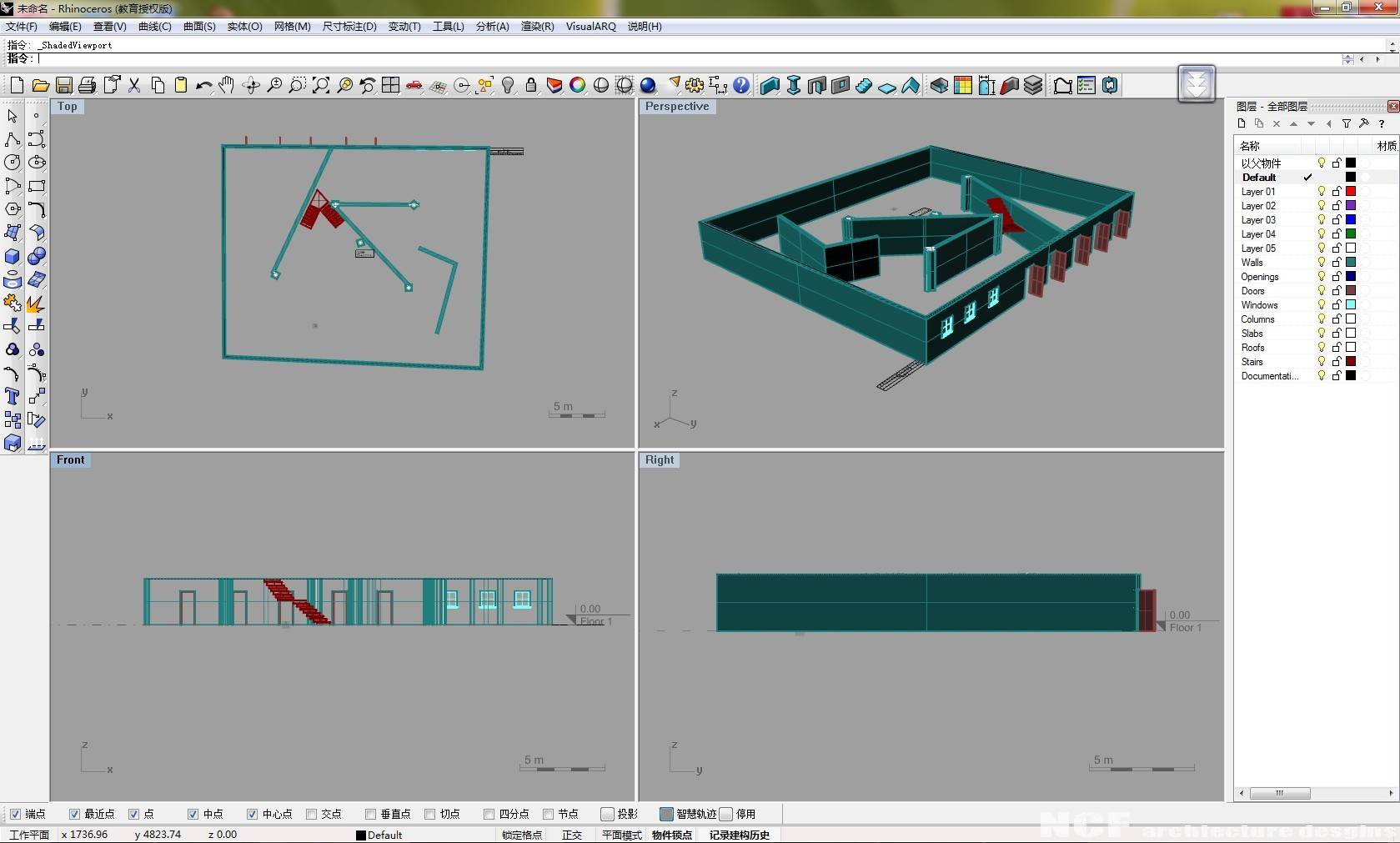
VisualARQ is aimed at Rhino Users in architectural markets (architects, interior designers developers, etc) who want to streamline their workflow and improve their design process efficiency within one production environment, avoiding the associated loss in time and information that transferring to other programmes and formats entails.
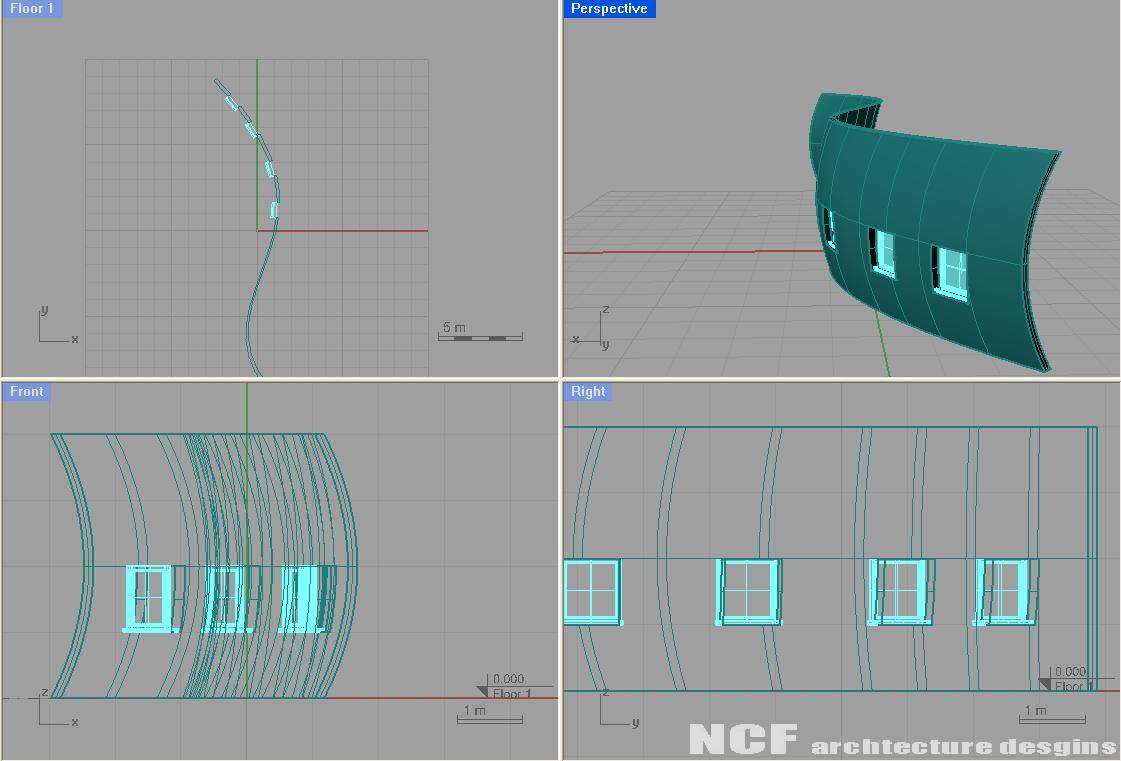
This unique and fully integrated plug-in for Rhino offers a powerful feature based editor that allows you to easily create and edit smart/custom architectural objects, and provides as well a set of architectural tools that make the design and documentation process faster and easier to handle.
Unlike other products in the market, VisualARQ integrates intuitively in the Rhino design workflow with the shortest learning curve and at a very affordable price.
目前尚处于beta版测试阶段,按要求下载会提供对应下载机器的注册码,还是挺有用的,值得一试
链接:http://www.visualarq.com/
09.09.29收到的邮件:看来是最后一版测试版了,以后准备要收费了:
I’m writing you to let you know that VisualARQ’s first commercial release is just around the corner…
VisualARQ RC2, the last “Beta version” we will release to close this first development stage, is ready to download from www.visualarq.com.
Give it a try and let us know what you think about it!
NOTE: Since Rhino 5.0 is still at a development stage and could cause problems, VisualARQ does not support this version.
As soon as Rhino 5.0 is production ready, we will release a compatible build for it.
_________________________________
What’s New in RC2:
-
Files that were edited in Rhino without VisualARQ being loaded can now be opened.
- Standard wall, column, door and window styles have been added to the VisualARQ Templates (only available in English, for the moment).
- Command to set the current floor within a view window has been added: vaSetCurrentFloor
- The “Height by Style” option has been added for columns
- The Plan and Model display for sliding doors and windows has been added.
- The Model display for the window leaves’ glass has been added.
- VisualARQ’s “Welcome window” has been added.
- The command “About VisualARQ” (vaAbout) showing the installed version’s information has been added.
- Imperial distances input has been improved.
- Support for Print Color and Dimension Styles has been added.
- Dynamic dimensions appear while drawing walls (vaWall).
- All known bugs have been fixed.
Expire date is now 31th January 2010. |
评分
-
查看全部评分
|


 辽公网安备21021102000973号


 狗仔卡

 发表于 2009-9-26 17:41:23


 提升卡
 置顶卡
 沉默卡
 喧嚣卡
 变色卡
 显身卡
 发表于 2009-9-26 18:48:27


 发表于 2009-11-13 20:10:53